

XLR and USB microphones - which one to choose for your setup?
The microphone is the heart of any recording. It determines whether your podcast, stream or vocal recording sounds professional or amateur. One of the first choices new content creators face is deciding between a USB or XLR microphone. Both solutions have their strengths, but also require a slightly different approach to building the entire setup. In this text I will try to explain the difference between the two and the technical issues in the most understandable way possible.
Microphones - an analog device in a digital world
In order to enter the world of sound, we must start by understanding the basics. As you probably know, the world of electronics is divided into analog and digital. Microphones traditionally represent the first of these, which is analog. What does this mean? A microphone by itself cannot be connected to a digital device, because that "won't understand" what the microphone wants to communicate to it. To solve this problem, engineers have figured out how to "translate" the analog microphone signal so that it is fully understood by the digital device. So, in a nutshell, we can assume that there must be a "translator" between the microphone and the computer, console or phone, namely an Analog-to-Digital Converter or - for short - ADC. At this point you are probably wondering "but how, after all, a microphone with built-in USB I can plug into a computer!". Yes, because such a microphone already has an integrated converter, about which more in a moment.
Bits and sample rate in microphones - what they mean for recording quality
Once we know that we need to translate the analog signal into a digital signal, we can move on to naming parameters. In the world of audio, the two basic ones that determine the quality of sound are bit depth (or colloquially bits) and sampling rate (expressed in the unit of Hz). Bits determine the depth of the sound - the higher the number of bits, the more accurately the signal is recorded and the greater its dynamic range becomes. The sampling rate in Hz indicates how many times per second the microphone "samples" the sound; a higher value captures more detail and better reproduces the high notes. In practice, 16-bit/44.1 kHz is the CD standard, while 24-bit/96 kHz gives professional studio quality.
USB microphones - simplicity and convenience
USB microphones are very popular, especially among novice artists. Their biggest advantage is the simplicity of operation due to the built-in ADC converter, whose market name is usually "audio interface." All you have to do is plug the USB cable into your computer, and the operating system most often recognizes the device itself and lets you start recording right away. The plug & play mode makes the microphone convenient for streamers, podcasters and people recording on mobile devices, without the need for extensive technical background.
XLR microphones - professional control and quality
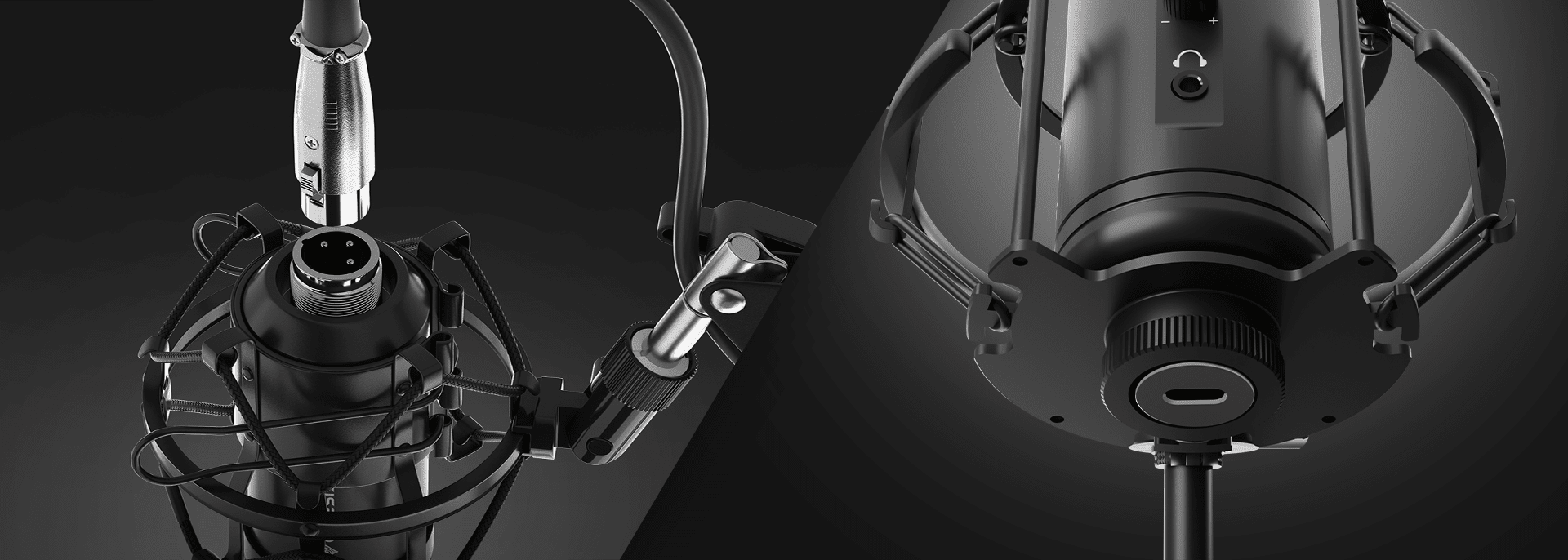
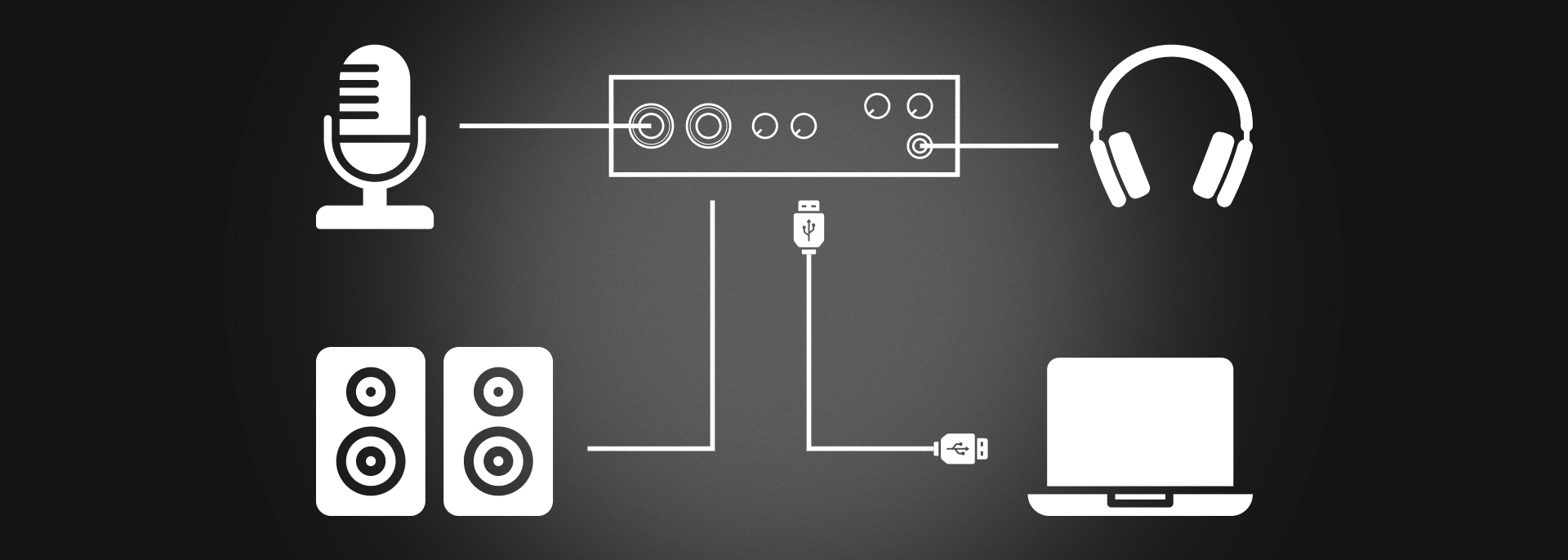
At the other extreme stand XLR microphones. It is this standard that has dominated professional recording studios and concert stages for years. XLR microphones do not have a built-in converter, so they require additional hardware in the form of an external audio interface or a mixer with one. However, this is not a disadvantage, but rather a huge advantage! This gives the user more control over the signal and allows the use of high-quality preamps, effects or sound processors. You will ask "what is a preamplifier, what are these effects". In order not to dilute the text into long paragraphs I will answer this in a nutshell. A microphone preamplifier is a device that amplifies a very weak signal from a microphone to a higher level so that it can be properly recorded and further processed, and effects and processors are - as the name suggests - devices that are used to process and apply special effects to the sound, such as reverb. Remember, however, that audio interfaces usually already have good quality preamplifiers, so they are all-in-one devices.
Expanding an XLR-based setup offers great possibilities. Over time, you can swap out individual parts of the chain - from cable to preamp - and tailor the sound to your needs. This is a solution for people who are serious about recording and want professional-level sound.
What is needed to use them?
The difference in handling USB and XLR microphones may (but not necessarily, in the case of microphones with good quality "interfaces" built in) be clear. USB requires only a computer and a suitable cable, as well as recording software such as OBS (for streamers) or any DAW (for podcasters and musicians). An XLR microphone is already a more complex ecosystem - you need an audio interface or mixer with an XLR input, a cable, and, in the case of condenser microphones, also a 48V phantom power supply (more on that in a moment).
Dynamic or condenser?
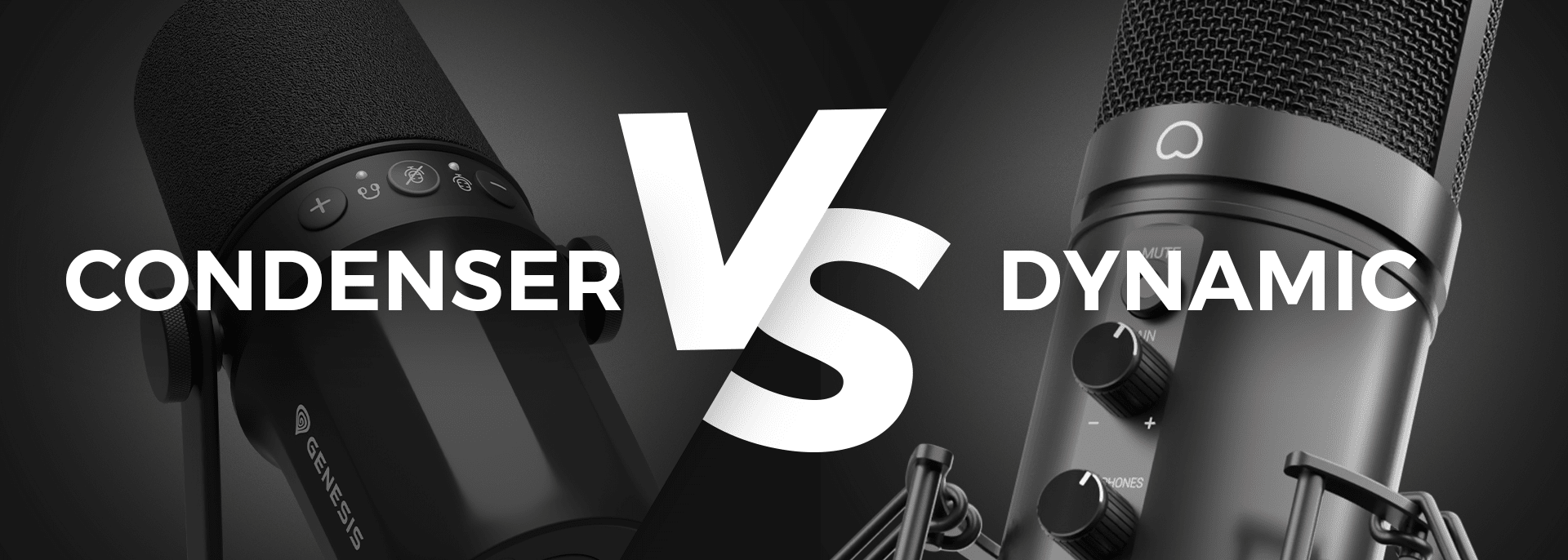
The second important consideration when choosing a microphone is its design. Dynamic microphones are great for "difficult" acoustics. They don't capture as much ambient sound, so they are well suited for streaming or podcasts recorded in rooms without acoustic adaptation, or to put it more simply - in an ordinary room.
Capacitive microphones, on the other hand, are much more sensitive and capture a wider spectrum of sound (such as the background behind them and the echo), so for their maximum use it is recommended to carry out acoustic adaptation of the room, for example, by dampening the walls with special foam. In addition, they require a so-called phantom power supply, as they need more power to work properly. Modern audio interfaces have such as standard. "Capacitors" often offer more ambient detail, which makes vocals or acoustic instruments sound natural and rich.
The conclusion is therefore obvious - for the home user, a dynamic microphone will be the better choice in the vast majority of cases.
Additional features worth having
Modern microphones, especially in the USB version, often offer additional features to make your work easier. Increasingly popular is the ability to listen directly by connecting headphones, which allows you to hear yourself in real time, without delay. Many models also have built-in knobs for adjusting volume or input sensitivity, giving you more control without having to reach for settings on your computer or interface. XLR microphones are also met with high-pass filters to eliminate low-level noise, as well as PAD attenuators so you can record very loud sources without risking unpleasant overdrive.
USB or XLR microphone - which to choose?
There is no one right answer to this question. The choice between a USB and XLR microphone depends mainly on what you expect from your setup. If you want to start recording quickly and conveniently without additional investment, a USB microphone with good bits and sample rate (Hz) will be the best option. If, on the other hand, you want the highest sound quality, more control and the possibility of developing your rig in the future, then you'd better bet on an XLR microphone and a suitable audio interface.
However, hybrid microphones, which combine both solutions, are increasingly appearing on the market. They are the ideal choice if you want to start recording audio right out of the box, but are thinking about developing your passion in the future.
Bottom line: both standards have their place in the audio world. USB is about simplicity and mobility, XLR is about professionalism and flexibility. So the key is to match the equipment to your own needs and the way you work.
And we ... will soon have the perfect solution to this problem!


