


A good gaming mouse is one of those accessories that make a real difference to your gaming performance, and therefore to the quality and enjoyment of your game. Impeccable sensor performance, a shape that fits your hand, low weight and the right microswitches make all the difference - whether you play FPS, strategy or MOBA. At GENESIS, we understand well that every gamer has different expectations, so we've gathered the most important information in one guide to help you choose the perfect model.
Mouse for a gamer - optical or laser?
The sensor is the "heart" of any mouse. And here the matter is simple - optical sensors are by far the more common choice, because they provide natural, precise motion tracking and have no acceleration problems.
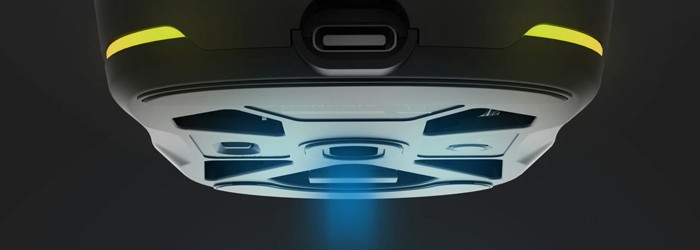
Laser sensors - although still found - are technically able to read more surface detail, because they scan more deeply, but this does not translate into more accurate tracking in games. Quite the opposite:
- Laser is more likely to generate unwanted acceleration,
- It is more prone to micro-vibrations,
- Can "freak out" on some pads,
- Movement is sometimes less stable when moving quickly.
This is why so many e-sportsmen use optical mice, and these - for years now - have established themselves in gaming for good.
DPI and sensitivity - what is it really about?
DPI (dots per inch) is a parameter that tells you how fast the cursor moves across the screen. The higher the DPI you set, the shorter the hand movement is needed to cover the same distance on the monitor. What you need to remember: a high DPI number has nothing to do with precision. This is a myth that has been with gamers for years. Real accuracy is determined by the quality of the sensor, its stability and how it handles slow as well as fast movements, not whether the model is equipped with a sensor with a resolution of 12,000, 26,000 or 30,000 DPI (moreover, higher values in many mice are achieved by so-called "interpolation" (adding artificial data points, which reduces precision).
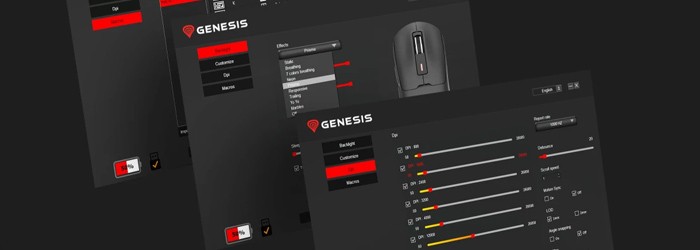
Professional gamers often aim for the 400-1600 DPI range, because at low DPI, motion control is more natural and predictable - the cursor doesn't "jump" and the sensor itself doesn't lose pixels and allows precise micro-movements. Higher DPI may make sense for large 2K/4K monitors or for office work, when you want to move the cursor quickly across a large space. In games, however, what matters is the stability of the sensor and how accurately it reads movement, not impressive numbers.
Weight of the mouse - choose a light or heavy one?
Lightweight models - usually 50-70 g - are the standard in FPS games today. They allow for lightning-fast, short wrist movements, easier tracking of the enemy and less hand fatigue during longer sessions. It's no wonder that pros choose mostly ultralight mice. Medium weight (70-90 g) is a good, safe compromise for people who play a variety of genres - from shooters to RPGs - and want a solid feel in the hand. Heavier mice (90 g+), on the other hand, are more stable and often more comfortable in MOBA games, MMOs or during office work, where movements are calmer and more controlled.
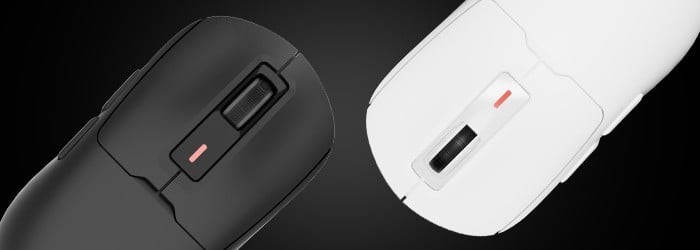
The most important thing is to make sure that the weight matches your playing style and how you drive the mouse. If you play dynamically, are a "low-sense" type (you play on low DPI settings and often lift the mouse) - go for lightweight mice. If you like steady, firmly planted movements - heavier ones may work much better. There is no "wrong" answer here, there is only what suits you.
Shape and ergonomics - an absolute must
The shape of the mouse is a topic that many gamers put off, but then are surprised when after an hour wrist pains or problems with cursor control become apparent. Meanwhile, it is ergonomics that determines whether you are able to use the capabilities of the sensor at all. Even the best mouse with a top-of-the-line sensor for several hundred zlotys will be useless if it simply does not fit in your hand.
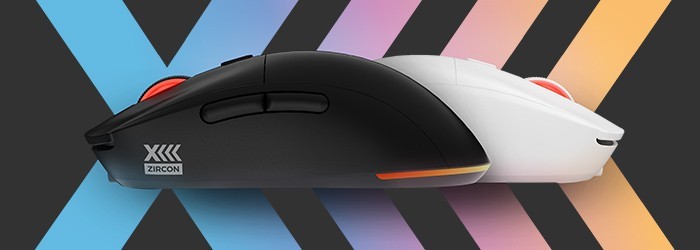
First pay attention to whether you prefer a symmetrical mouse (more versatile, often lighter and popular in FPS) or one profiled for your right or left hand (better for longer sessions and palm grip). Only then think about your type of grip:
- Palm grip - the whole hand rests on the mouse, ideal for RPGs, MMOs and quieter gaming.
- Claw grip - bent palm, fast, precise movements; often a favorite grip of FPS players.
- Fingertip grip - control with fingertips; here a lightweight mouse is an absolute must-have.
If you get the shape right, everything else - DPI, sensor, switches - finally starts to "play". Poorly chosen ergonomics, on the other hand, can ruin the entire user experience, no matter how impressive the specifications are.
Additional features - is it worth paying attention to them?
For example, the flexible Paracord cable makes the mouse behave almost like a wireless one, because the cable does not pull it in any direction. RGB may look impressive, but even more important is the control software, which allows you to create macros, change DPI profiles and customize everything for specific titles.
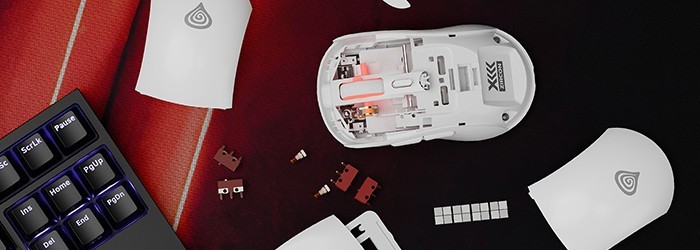
Then there's the polling rate (1000 Hz is standard) to reduce lag, LOD (lift-off distance) to help control the mouse when lifting, and wireless modes - Bluetooth, 2.4 GHz or RapidSpeed™ in the case of GENESIS mice. For gamers who want complete convenience and no cable, this is fundamental.
Meet the best GENESIS mice for up to £100:
GENESIS Krypton 660
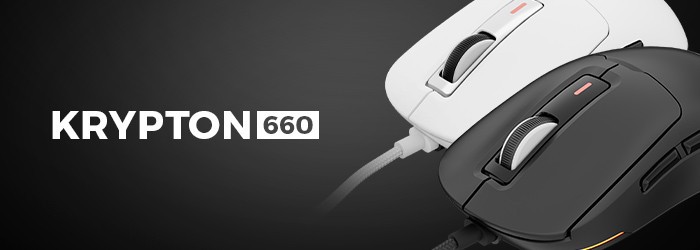
Krypton 660 is the absolute top in its price range. Why:
It is one of the lightest wired mice on the market - 49 grams makes a colossal difference in FPS, where speed and control count. The lightweight design is further molded to lie well with both palm and claw grips.
Inside, you'll find a PAW3327 optical sensor with a resolution of 12,000 DPI, which handles dynamic tracking very well. Plus Huano Purple switches, a TTC White encoder and a Paracord cable that offers virtually no resistance.
For whom.
For FPS players, shooters and people who want a lightweight, fast and precise mouse for dynamic games. Ideal for players, aspiring e-sportsmen and anyone who wants the best quality in the segment up to £100.
GENESIS Xenon 220 G2
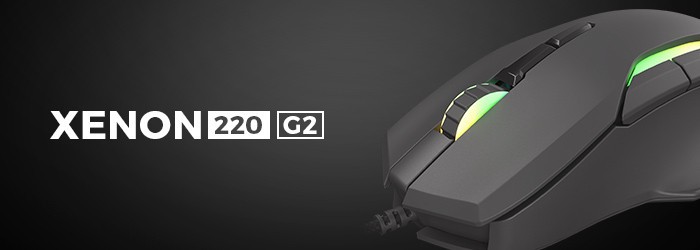
The Xenon 220 G2 is a very well-balanced mouse for gamers who are looking for a precise sensor and a comfortable, ergonomic design. The optical sensor features a resolution of 12,800 DPI and provides accurate motion reproduction for action and strategy games.
Quiet switches make use pleasant and discreet - great for work, too. Plus RGB PRISMO, seven programmable buttons and customizable settings.
For whom.
For people who play different genres - MOBA, RPG, FPS - but expect comfort, stability and additional features from a mouse. Ideal for gamers who want one mouse for gaming and everyday use.
GENESIS Krypton 200
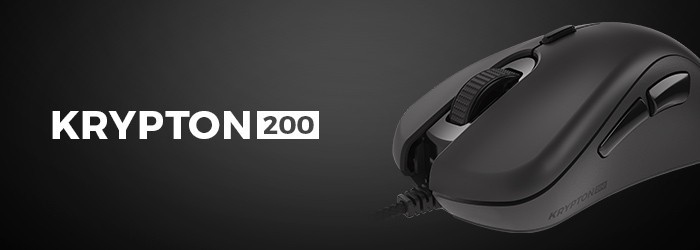
The Krypton 200 is a great budget gaming mouse with an optical sensor with a resolution of up to 6400 DPI. It provides smooth tracking and good responsiveness, and with 6 programmable buttons and internal memory, you can save your own DPI and macro settings.
The mouse weighs about 76 grams, so it is relatively lightweight, comfortable and ideal for everyday use. On top of that, the RGB with PRISMO effect adds a gaming touch to it.
Who it's for.
For novice gamers, younger users and people who want a good gaming mouse to start with - for FPS, RPG and everyday use.
Meet the best GENESIS mice up to £200:
GENESIS Zircon 660 Pro
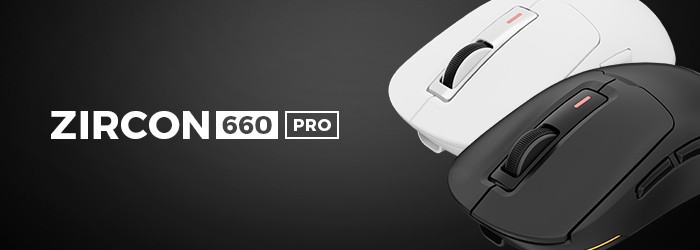
If you're looking for a premium wireless mouse, the Zircon 660 Pro is definitely the strongest choice in this price range.
It weighs 57 grams, has brilliant ergonomics and one of the best sensors in the world - Pixart PAW3395. Plus Motion Sync technology, which improves tracking stability even with very fast movements.
Triple communication mode (BT 5.0, RapidSpeed™, USB), 80 hours of operation, 400 mAh battery and advanced settings in the app (Jitter, Angle Snapping, Motion Sync, LOD) all make a huge difference and can give a real advantage in the game.
For whom.
For discerning FPS gamers, e-sports gamers and people who want a wireless mouse with absolute top-notch responsiveness at a price of less than $200.
GENESIS Zircon 660
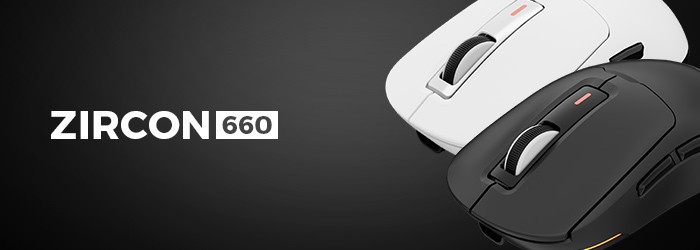
The Zircon 660 is a cheaper version of the Pro model, but still a very strong proposition. Why? Because it weighs only 59 grams, has a triple communication mode and the same great battery (up to 80 hours of operation).
Inside is the PAW3311 sensor with 12,000 DPI, which offers very good precision in dynamic games. It's a versatile mouse, fast, comfortable and well-made.
For whom:
For gamers who want a lightweight, wireless mouse for FPS, MOBA and everyday gaming, who don't need the absolute best sensor, but want great value for money
GENESIS Zircon 500 G2
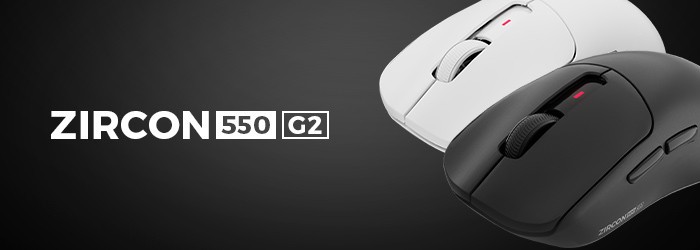
Zircon 500 G2 is a model for those who want full connectivity - BT 5.0, 2.4 GHz and USB cable. The mouse features Huano Purple switches with a life span of 90 million clicks, PMW3325 sensor, Teflon sliders and a 300 mAh battery.
You can play and charge it at the same time, and dedicated software gives you access to macros, DPI and advanced settings.
Who it's for.
For gamers looking for a versatile wireless mouse that works well for both FPS/MOBA games and everyday use. This is definitely the best "all-rounder" in the segment up to PLN 130.
Source: own compilation, genesis.